Press kit
KIBA
KIBA is an $8.99 menu bar sampler for Mac. One click records anything your Mac plays, and a trimmer drops down so you can drag a clean WAV straight into your DAW.
Fact sheet
- Name
- KIBA (牙, "fang" in Japanese)
- What it is
- Menu bar sampler for Mac
- Price
- $8.99 one-time · 7-day free trial · up to 3 Macs
- Requires
- macOS 13 Ventura or later · Apple silicon and Intel
- Developer
- Independent, based in Tbilisi, Georgia
- Website
- kibagang.com
- Contact
- Email address coming soon
Key features
- One click: the menu bar icon records and stops.
⌥⌘Rworks from anywhere. - No routing: no virtual driver, no Multi-Output Device, and your sound output never changes.
- Record one app: right-click the icon and pick any open app.
- Trim in place: silence auto-trimmed, pinch to zoom, drag the edges, 3 ms fades on every cut.
- Tempo and key detection, written into the file name.
- Drag and drop into any DAW or the Finder; recent samples one click away.
- Private: no account, no analytics. Audio never leaves the Mac.
Descriptions
One line
KIBA is an $8.99 menu bar sampler for Mac. One click records anything your Mac plays, and a trimmer drops down so you can drag a clean WAV straight into your DAW.
Short (about 60 words)
KIBA is a menu bar sampler for Mac. Click the icon to record anything your Mac plays, from a video, a browser tab or any app, with no BlackHole or routing. Click again and a trimmer drops down with the silence cut and the tempo and key detected. Drag the WAV into Ableton, Logic or FL Studio. $8.99 once, with a 7-day free trial.
Long
Sampling from your own Mac usually means installing a virtual audio driver, building a Multi-Output Device and recording inside your DAW. KIBA replaces all of that with one click in the menu bar. It records everything your Mac plays, or a single app, using the audio capture built into macOS, so nothing is installed and your sound settings never change.
When you stop, a trimmer drops down right under the menu bar. Silence is already trimmed, the peak is set to −0.3 dB, and KIBA detects the tempo and key and puts them in the file name. Pinch to zoom, drag the edges, then drag the waveform straight into Ableton Live, Logic Pro, FL Studio, Bitwig or the Finder. Recent samples sit in the same panel, ready to drag, copy or trim again.
KIBA costs $8.99 once, with a 7-day free trial, and runs on macOS 13 or later on Apple silicon and Intel Macs.
Images
Free to use in coverage of KIBA.
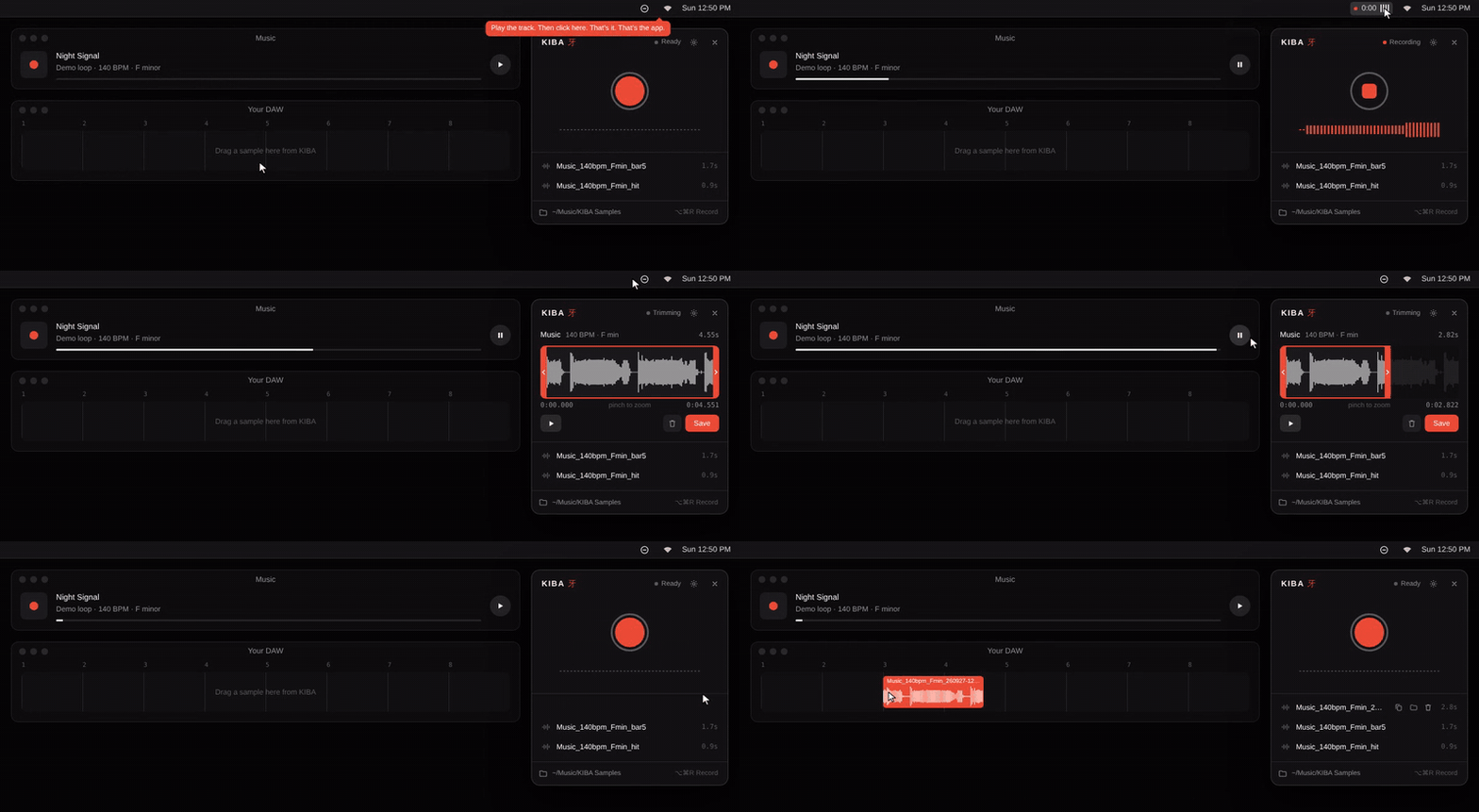
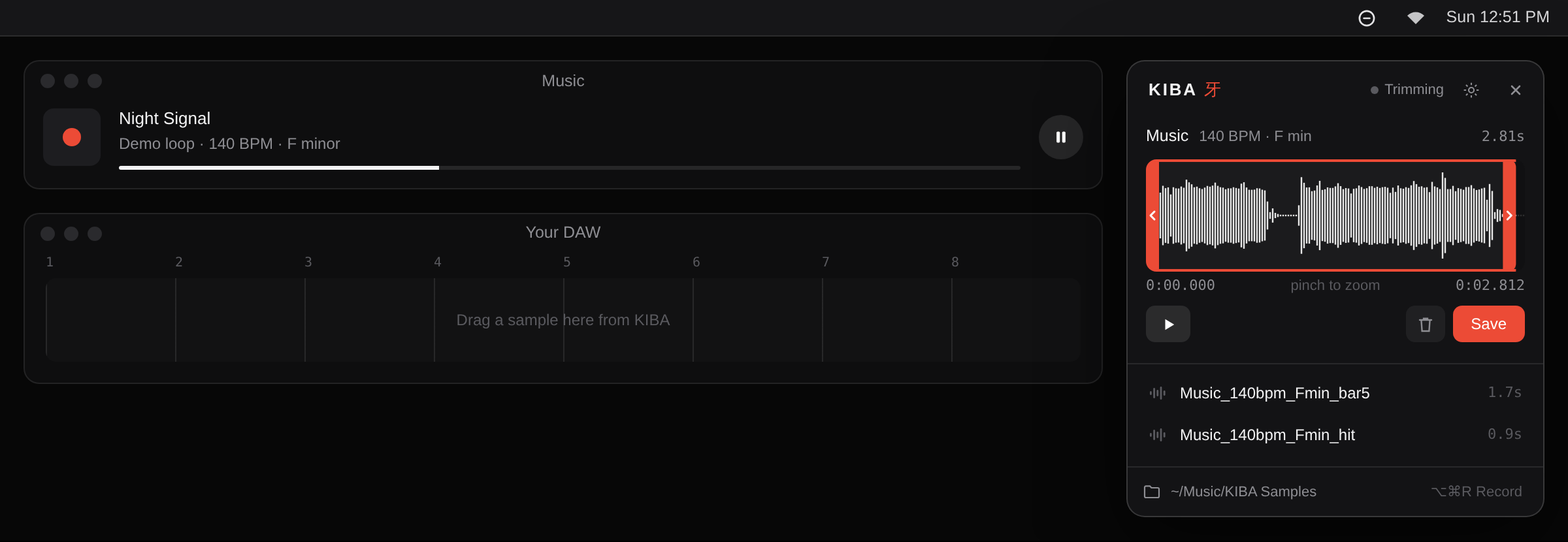 KIBA recording from a music player, trimming, and a sample in the DAW
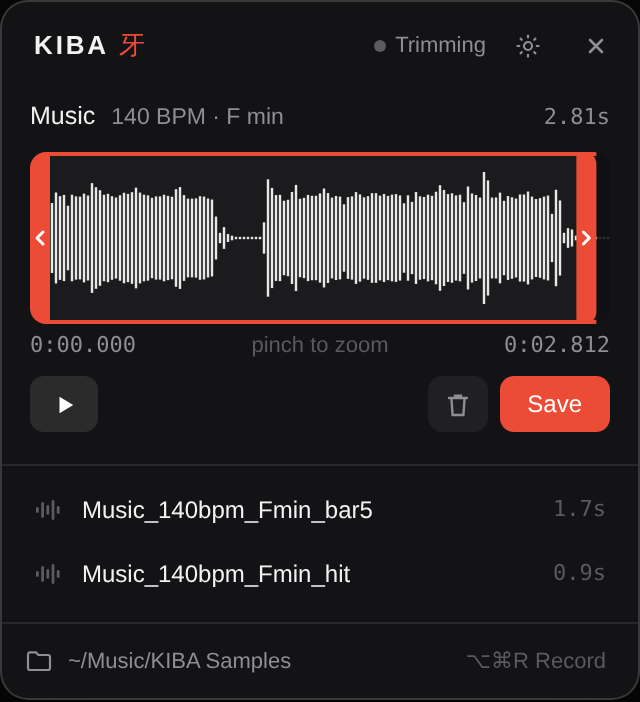 The trimmer, right under the menu bar
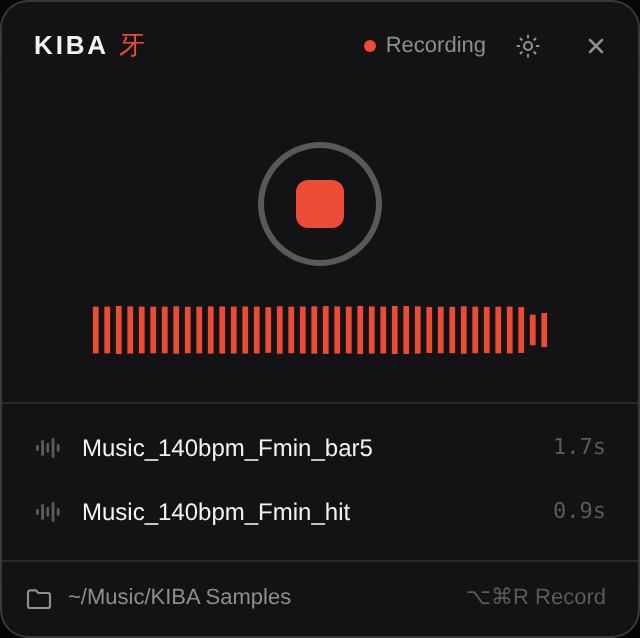 Recording
 The menu bar timer while recording
 App icon, 1024 px
Review copies
Writers and creators can get a free license for review. Ask for a review key.